Security and privacy in My Food Forest: the questions we get asked most
Anyone who puts a food forest in the app records a lot. Where every tree stands, what has been harvested, who helps out. So it makes sense that people ask us how safe that is, who can see it and what we do with it.
Mark has worked in IT for more than twenty years, as have the people building the app with us. That is why security was part of the design from the very first sketch, not added afterwards. In this blog we answer the questions we get asked most.
How do I log in?
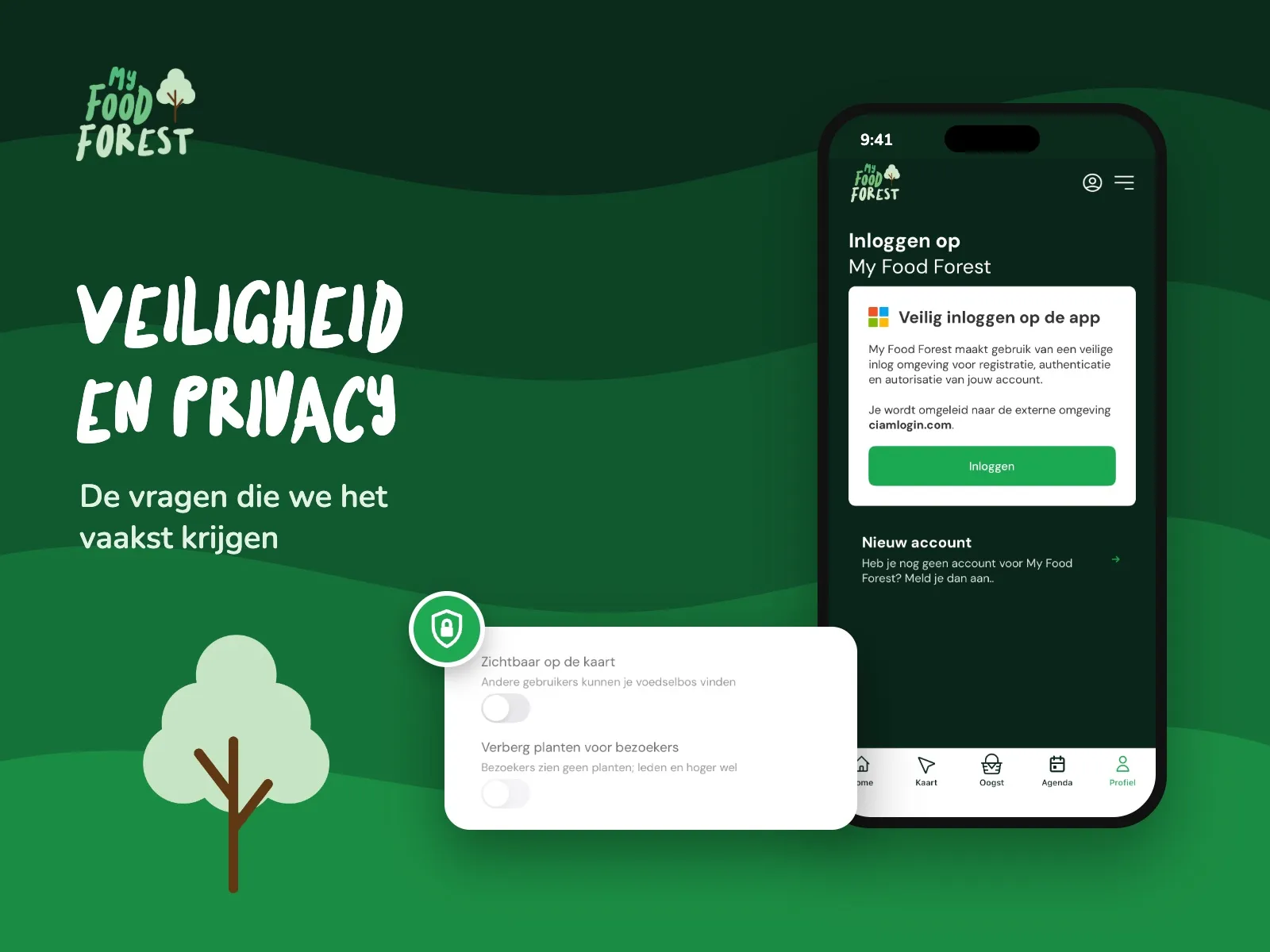
With your own email address, your Apple ID or your Google account. You do not need a Microsoft account.
Behind the scenes, Microsoft handles the login, also when you choose Apple or Google. Because of that, we do not store any passwords ourselves. If anyone ever got into our systems, there would be no passwords to take. Microsoft secures logins for companies and governments all over the world. They invest far more in that than a small team ever could.
Why Microsoft?
It is not just the login that runs through Microsoft. The whole app runs in their data centres. The data is stored in Sweden, inside the European Union. That means it falls under European privacy rules.
We also chose Microsoft deliberately because of their sustainability goals. An app for food forests should run with a company that takes the climate seriously. Microsoft has set itself three goals for 2030:
- Remove more CO2 from the air than the company emits.
- Give back more water than it uses. For example by saving water in its data centres and investing in water projects in areas with water shortages.
- No more waste. More than 90 percent of the servers in their data centres are already reused or recycled.
There is also a long-term goal. By 2050, Microsoft wants to have removed from the air all the CO2 it has emitted since it was founded in 1975. That covers its own emissions and the electricity the company has used.
For the electricity in its data centres, Microsoft signs contracts with wind and solar farms on a large scale.
Are they there yet? No. Microsoft reports on it every year, including on what is not working yet. We think that matters: the goals are public and you can follow how it is going.
What if my phone breaks or gets lost?
Then you lose nothing. All data is stored in the cloud, not on the phone itself. Backups are made of it as well. On a new phone you log in and everything is back: every tree, every log entry, every photo.
Can I be a member without others seeing my food forest?
Yes. You decide that yourself, in two places:
- Your food forest on the map. You decide whether your food forest is visible on the map in the app.
- The crops. When this is switched on, anyone can see what grows in your food forest. Including people from outside. Handy if you give a guided tour, or if you simply enjoy showing other food forest owners what you have planted. Switch it off and nobody from outside can see the crops.
People you invite yourself as members of your food forest can always see the crops. Think of volunteers, harvest subscribers and other members.
What do you do with my data?
You decide that yourself, in the app settings. There you choose which privacy settings you want to use.
If you choose to share your data, we can pass it on to research institutions. That is always done anonymously: the name of the food forest is never included.
Why do we ask? Food forestry is still young in the Netherlands. Little is known about how trees develop over the years, which combinations work well and what a food forest eventually yields. Every tree someone registers helps us learn that. The more food forests take part, the better the research.
Would you rather keep your data to yourself? Then switch sharing off. The app works just as well. You can change your choice at any moment, with a single tap.
Can I take my data with me?
Yes. With a Pro or Connect subscription you can export everything. You get two kinds of files:
- CSV: a list you open in Excel or another spreadsheet program.
- GeoJSON: a file with the locations of the trees and plants, which you open in mapping programs.
The data is yours, also outside the app.
How does it stay secure, now and later?
Every month we run a security test. It checks whether any weak spots have appeared in the code that someone could abuse. Whatever we find, we fix straight away. We also keep all software up to date with the latest versions.
We will keep doing this after the launch, also as the app grows.
To be honest: no system is a hundred percent secure. But this is what we do to keep it as secure as possible, every month again.
What you control yourself in the app
- Whether the food forest is visible on the map
- Whether people from outside the food forest can see the crops
- Whether you share your data for research (you can change this at any moment)
- Whether you export your data (with Pro or Connect)
Want to know exactly how we have arranged everything? Read the privacy policy and the terms and conditions.
Is your question not here? Feel free to ask it through the contact form. On 24 November My Food Forest launches in the App Store and Google Play. From that day, you can record the details of the food forest yourself, as open or as private as you like.